Admin


The 'Admin' tab is used to update and manage your company's account information such as name, contact information and site data.

Locate Customer
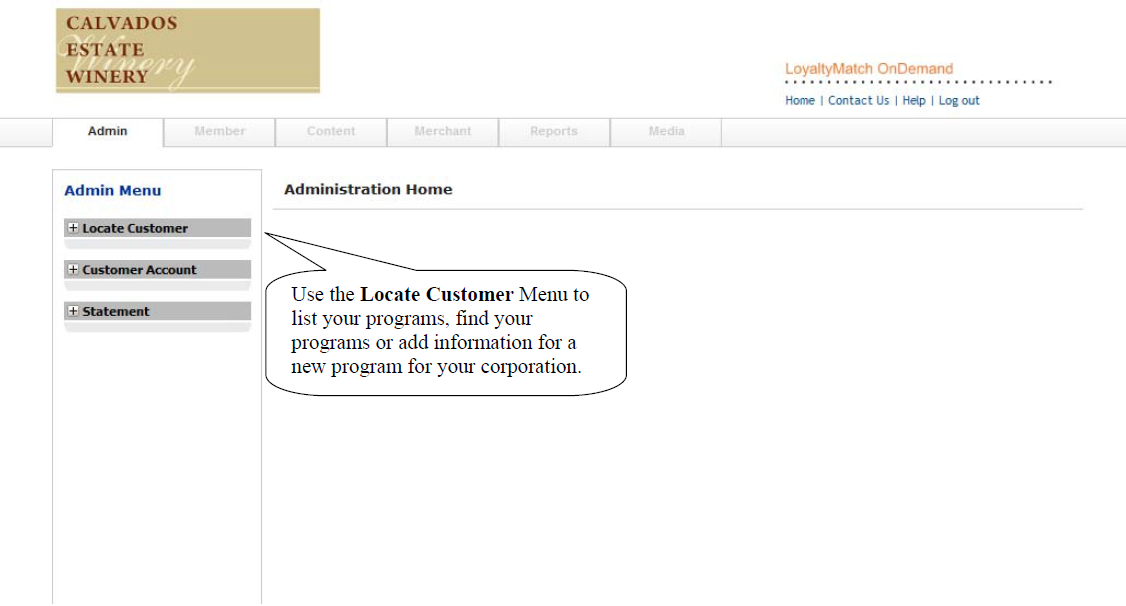
Admin interface showing locate customer menu
Use the Locate Customer Menu to list your programs, find your programs or add information.

You must first select a customer to modify it. Most customers have only one loyalty program to manage.
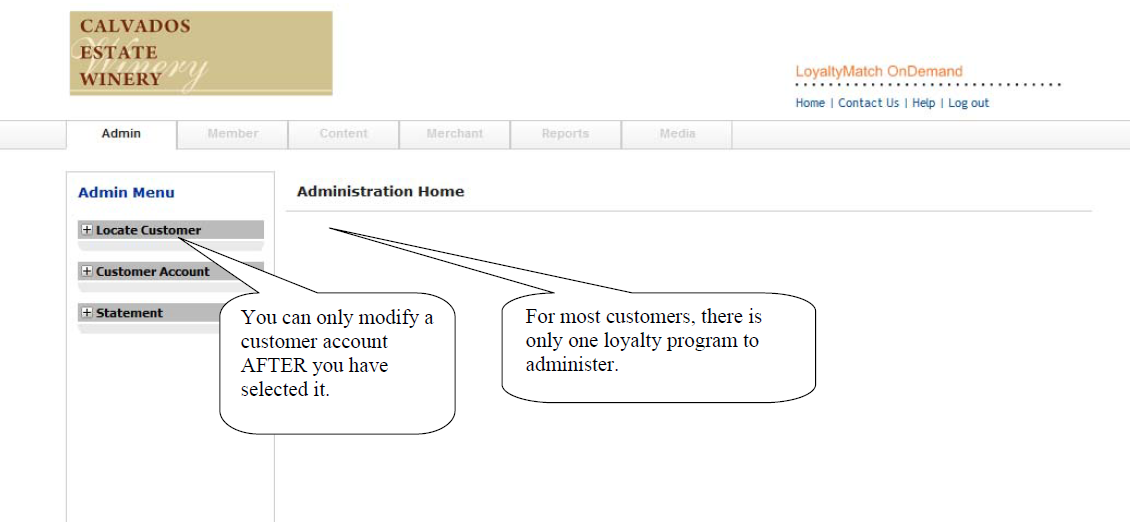
Admin interface showing customer selection
You can only modify a customer account after you have selected it. For most customers, there is only one loyalty program to administer.

Customer Account

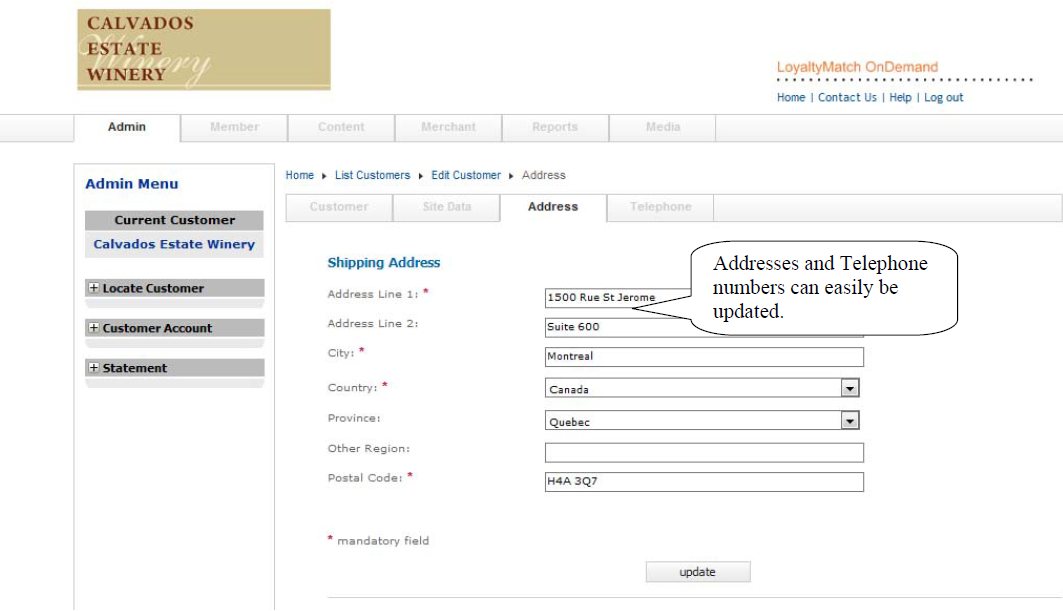
Once you have selected your loyalty program, you can update and edit your information such as company name, contact information for the program manager and address and telephone numbers.
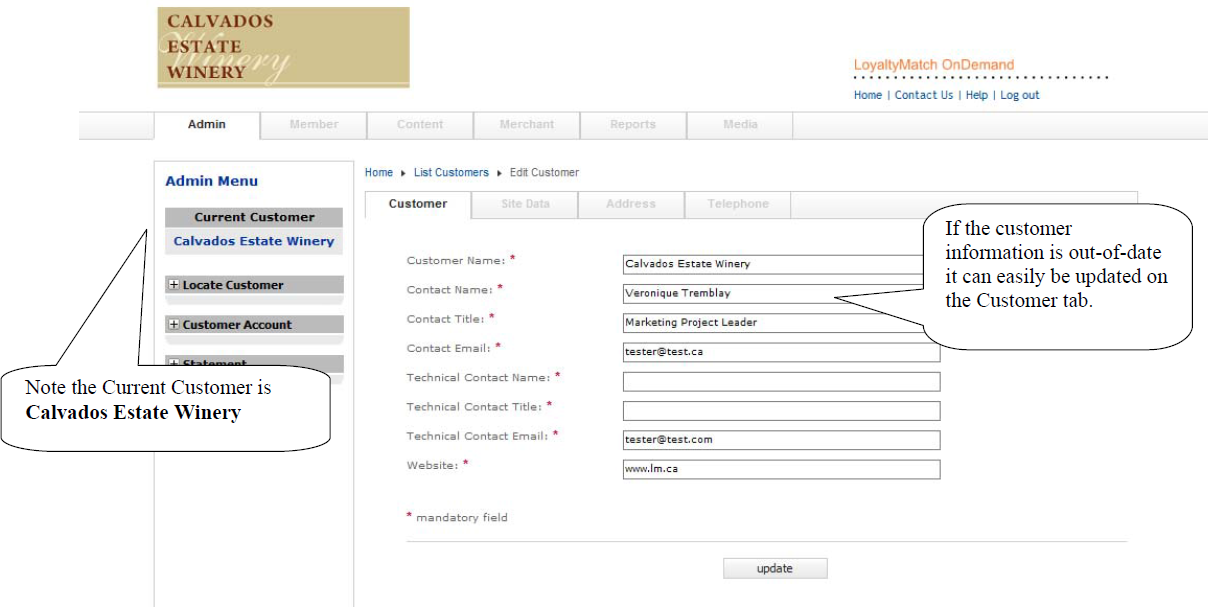
Customer account information form
For this example, the customer is Calvados Estate Winery. If the customer information is out of date it can be easily updated on the Customer tab.
Customer address and telephone form
Address and Telephone numbers can be easily updated from the address tab.