InVenue+App
InVenue Application
LoyaltyMatch will provide you will a download link to install the InVenue app on both Android and iOS.
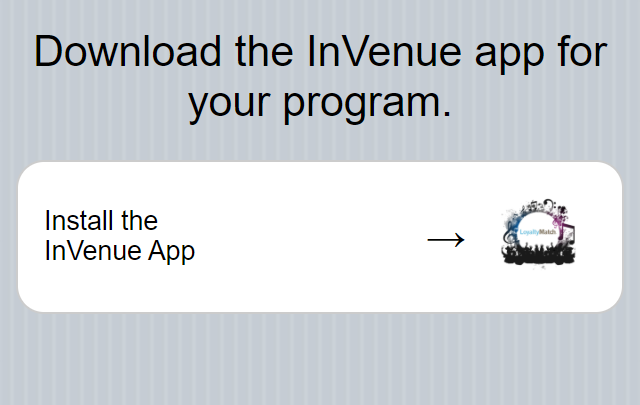
iOS
You will need to authorize LoyaltyMatch as an trusted Enterprise Developer after installation. Once the app has completed installation select the app icon to launch the application. You will see the below image:
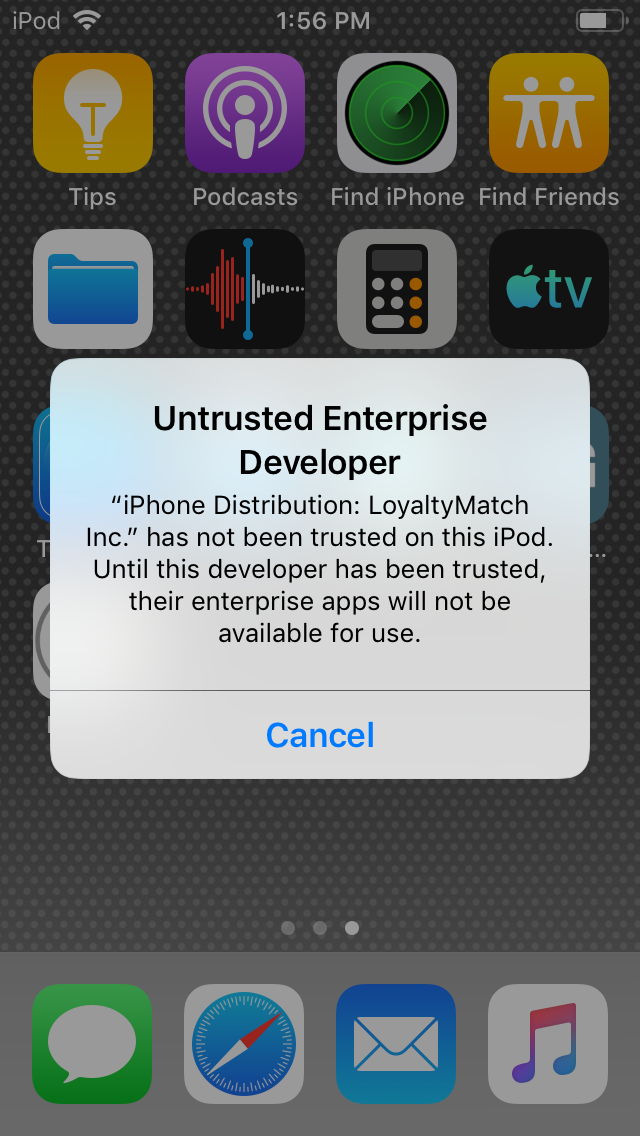
To authorize the application select:
Settings -> General -> Device Management -> LoyaltyMatch Inc. -> Trust LoyaltyMatch Inc.
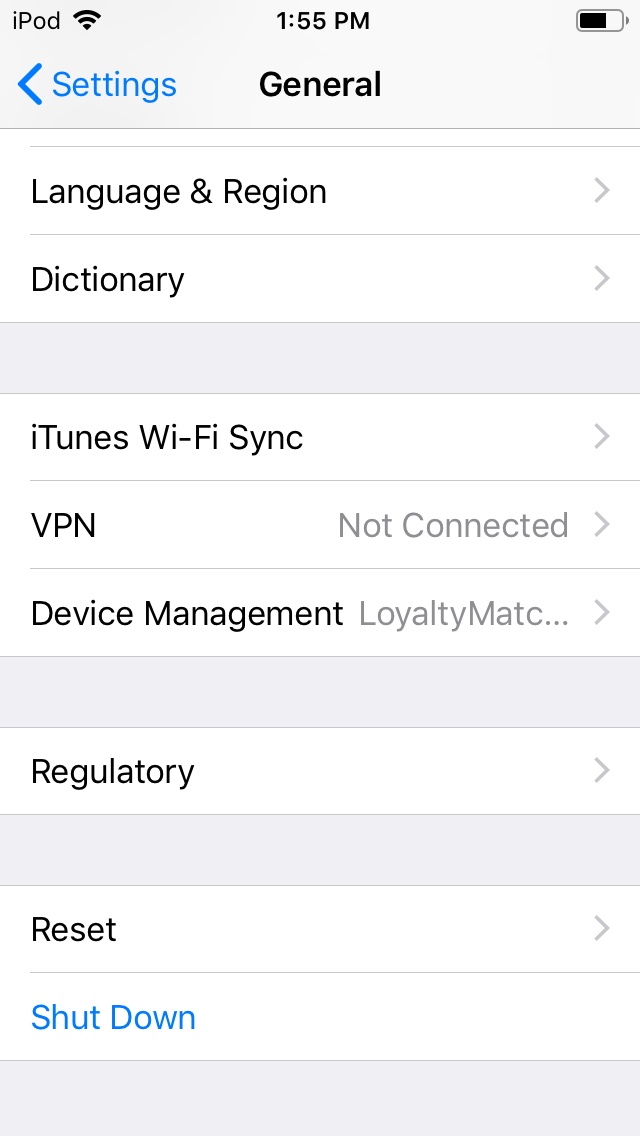
Your iOS app is ready for use.
Android
- From a Home screen, navigate to Settings.
- Tap Apps & notifications.
- Tap Advanced.
- Tap Special app access.
- Tap Chrome (or your preferred browser).
- Tap Install unknown apps.
- Select the unknown app then tap the Allow from this source switch to turn ON or OFF.